
COMING SOON: TraceFree
from Microsoft

Download TraceFree
on the Mac App Store
Removes hidden text traces from clipboard and files


Cleans your text of unwanted traces
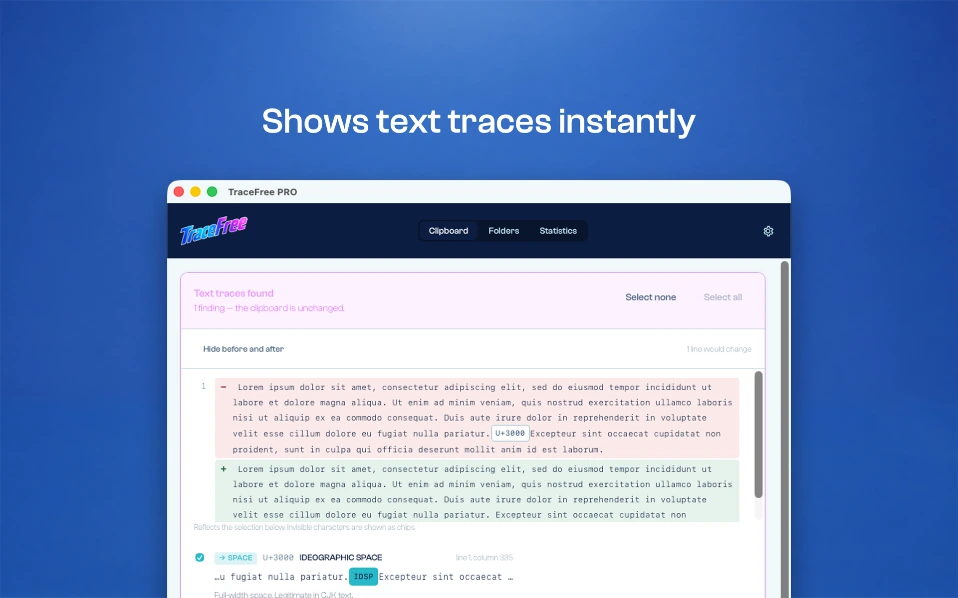
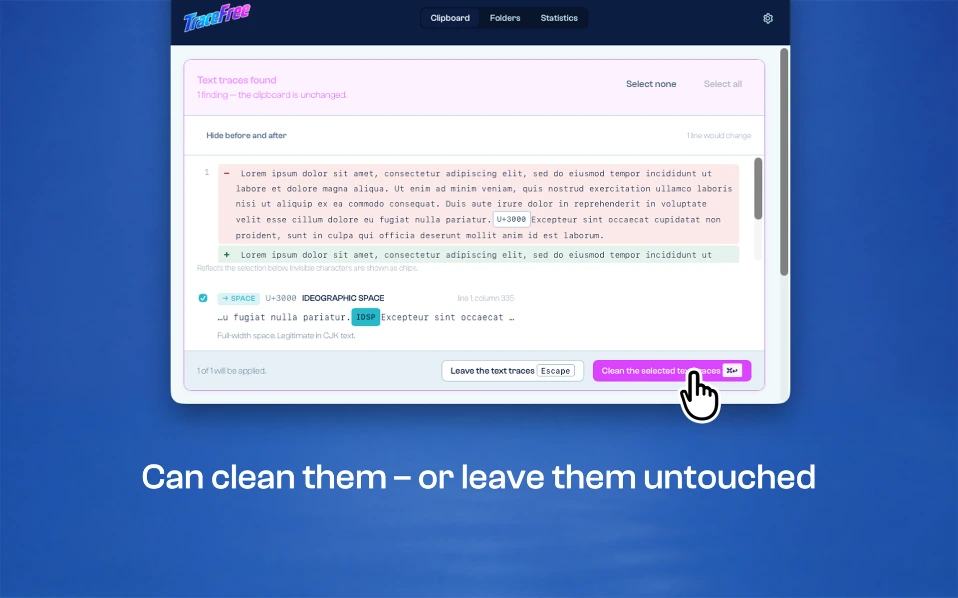
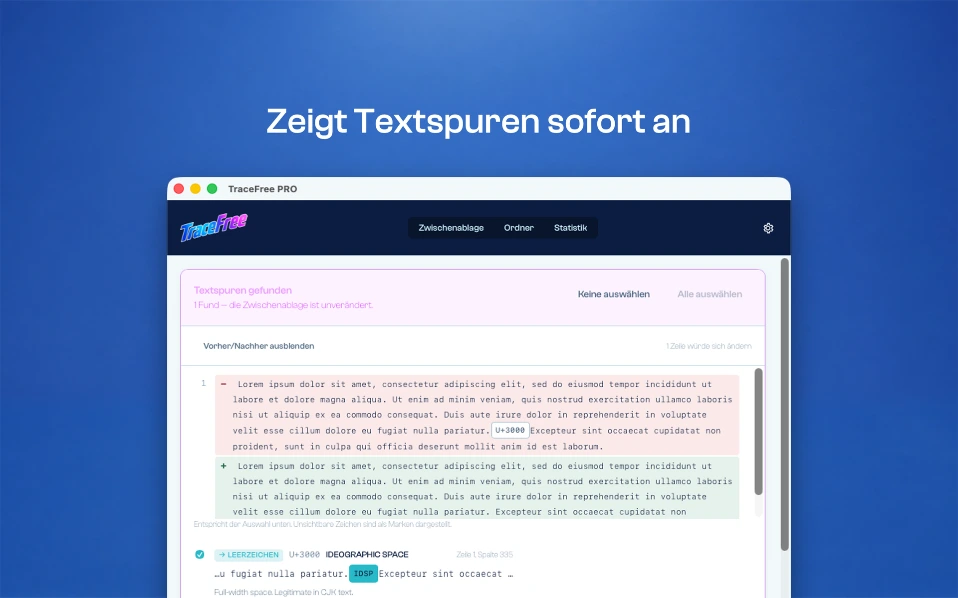
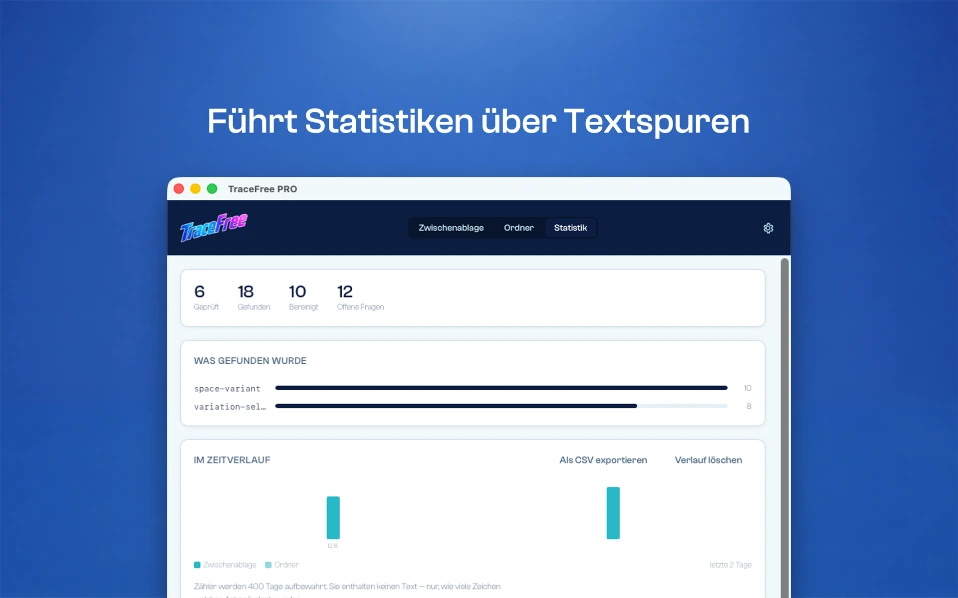
TraceFree works quietly in the background and monitors the clipboard as well as selected folders. When a trace is detected, TraceFree notifies you and shows which traces were found and where they occur.

Hidden traces in digital text
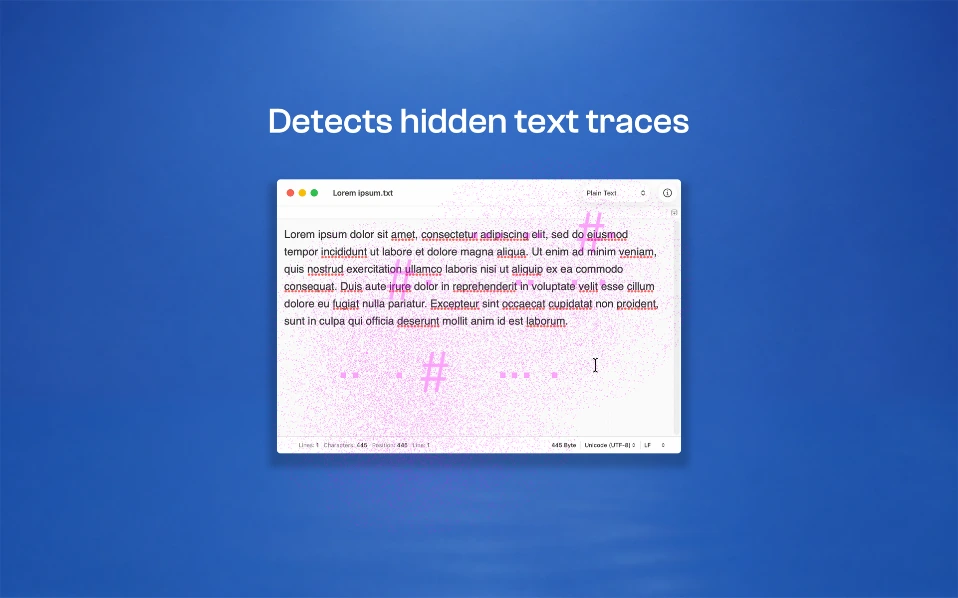
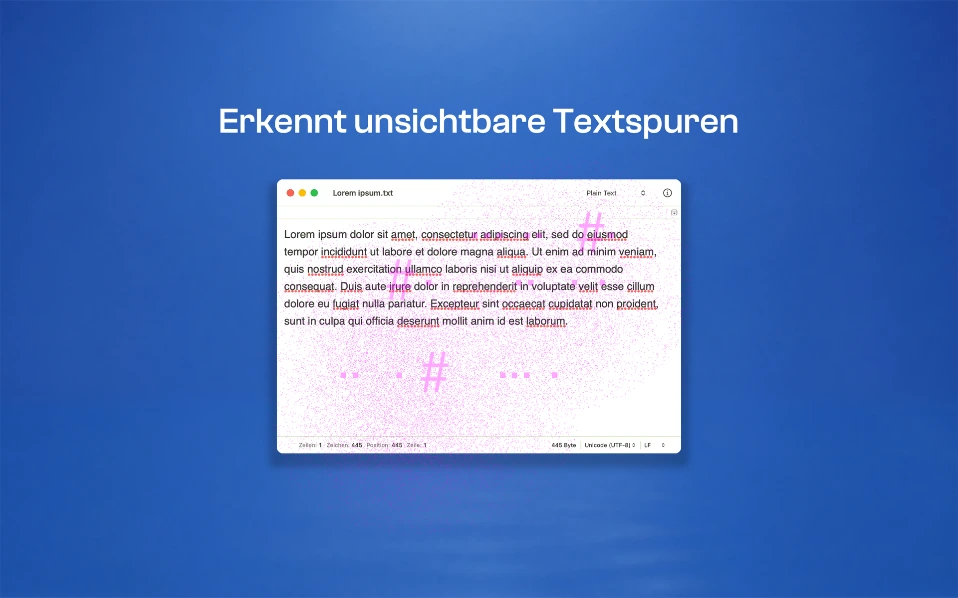
Copied text can carry characters you cannot see.
A zero-width space from an editorial system, a non-breaking space from a word processor, or a control character from a chat window: such characters can sit right in the middle of a text without being visible in a regular editor. Later, they can show up as unexpected line breaks, failed searches, import problems, or other unwanted effects.
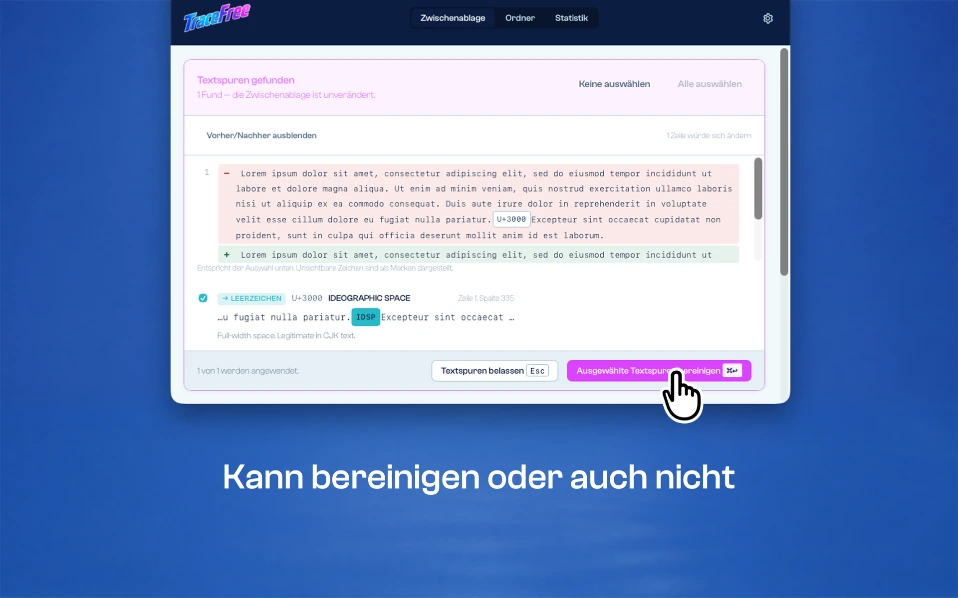
TraceFree detects these hidden traces and removes them when you want it to.

What TraceFree detects
Zero-width and invisible formatting characters
Characters that are present in the text but normally not displayed.
Bidi control characters
Characters that can cause displayed text and stored text to differ.
Unicode tag characters
Completely invisible characters that can be used to embed information in text.
Whitespace variants
Non-breaking, narrow, or other special whitespace characters.
Control characters and character remnants
Including remnants of failed character conversions.
Homoglyphs
Characters from different writing systems that look identical or nearly indistinguishable.
Typographic characters
Optionally, quotation marks, dashes, ellipses, and other typographic characters.

It knows when a character belongs
TraceFree does not simply remove everything that is invisible.
A Zero Width Joiner, for example, can keep an emoji family together. A Zero Width Non-Joiner is not an unwanted character in Arabic, Persian, or Indic scripts, but can be part of correct spelling. A non-breaking space between a number and a unit may also belong exactly where it is.
TraceFree therefore considers the context and leaves characters untouched when they are required for correct display or spelling. These checks can only make cleaning more cautious, never more aggressive. Whitespace variants are not simply deleted either. They are replaced with an ordinary space. And Words are never accidentally joined together.

Works quietly in the background
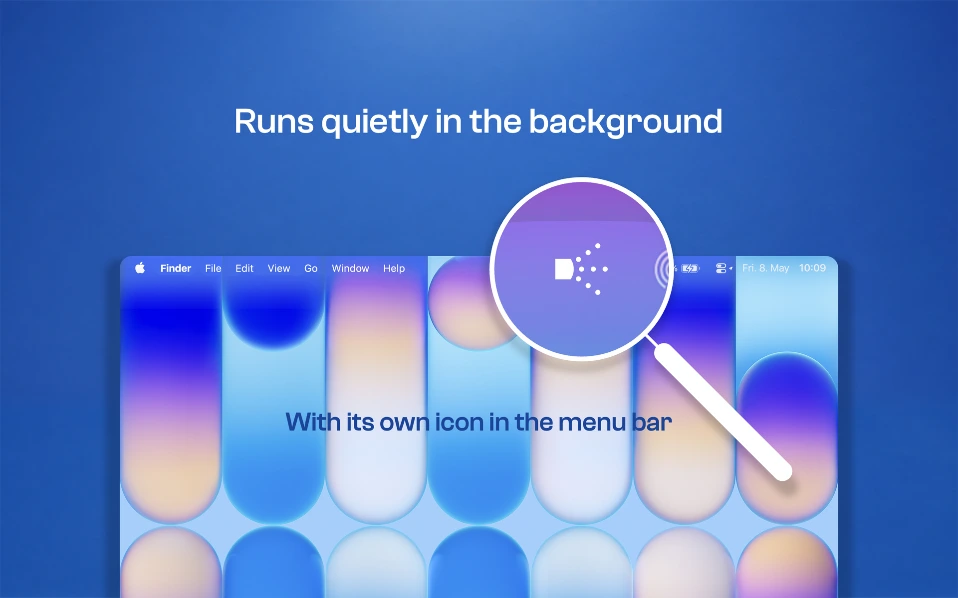
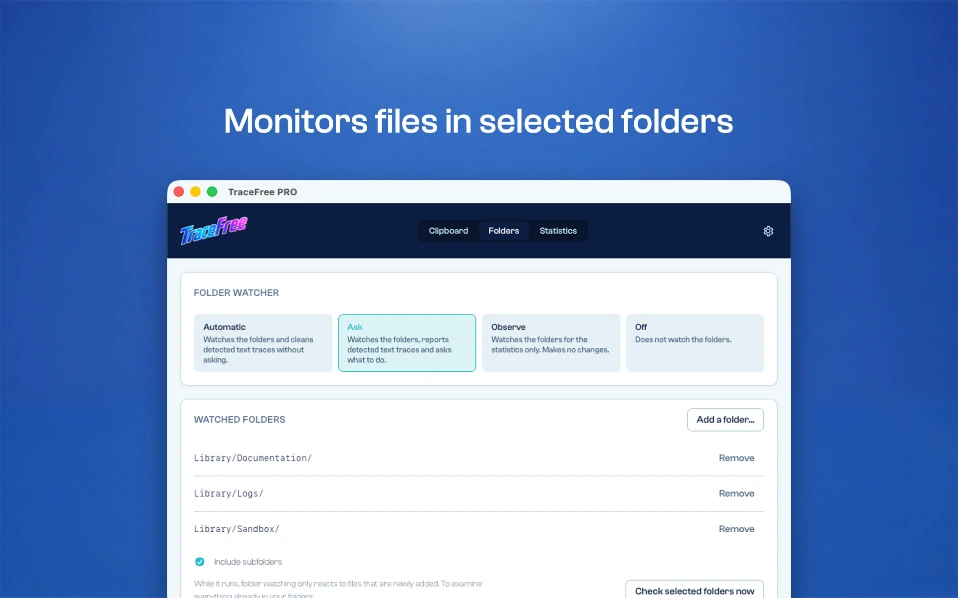
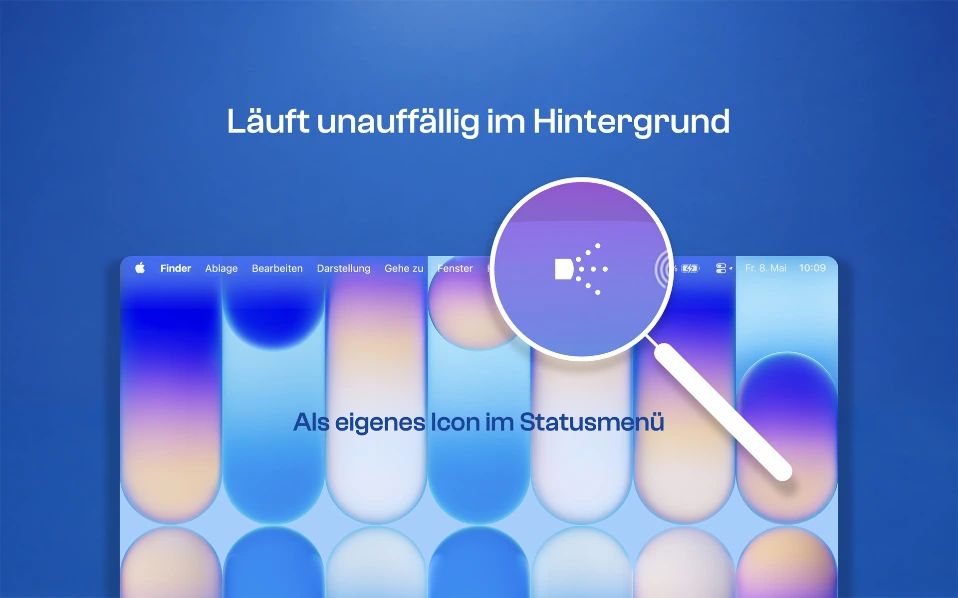
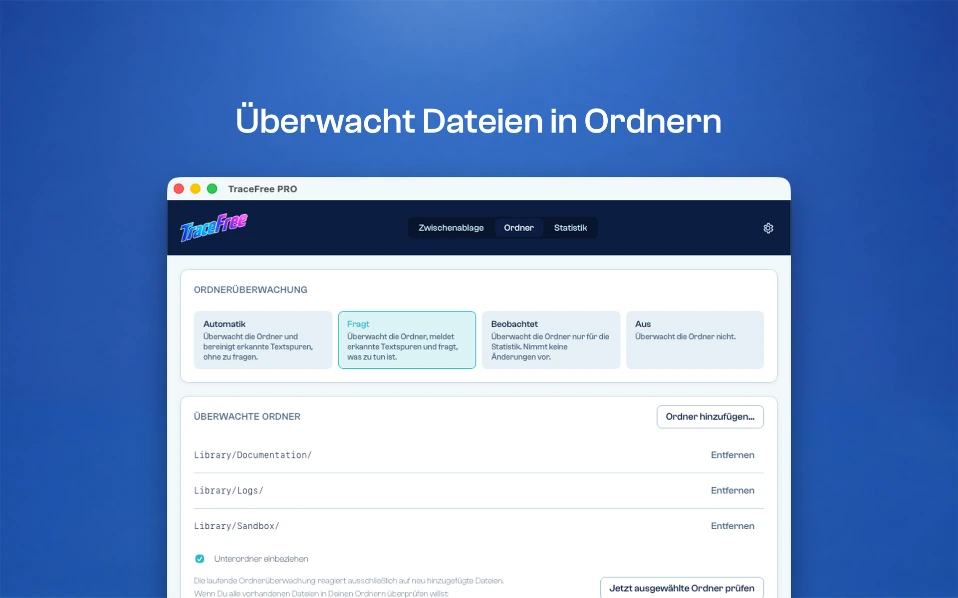
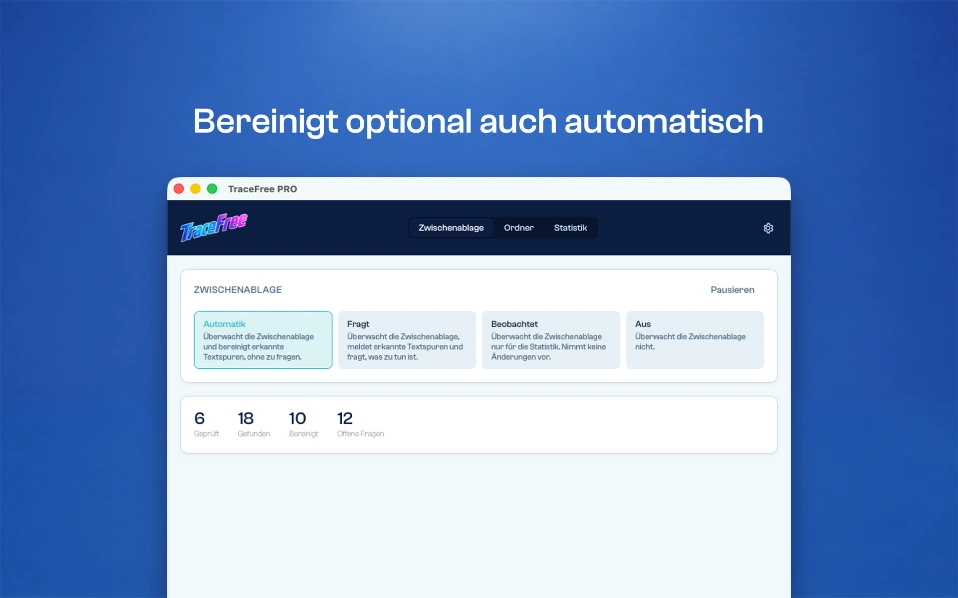
TraceFree lives in the menu bar and works without interrupting you. The clipboard can be monitored. Selected folders can also be monitored. When a corresponding trace is found, TraceFree shows the affected locations and notifies you.
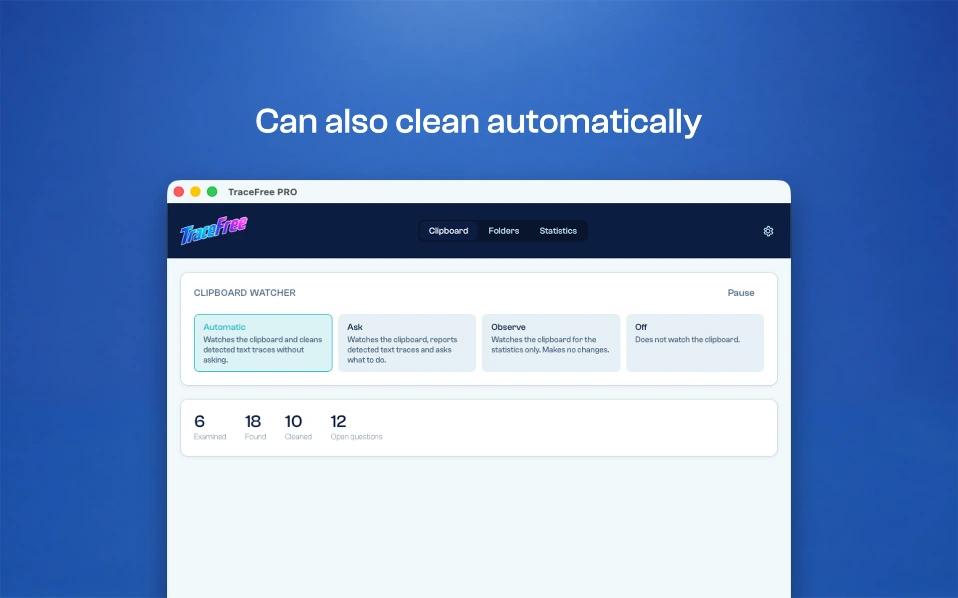
You decide what happens – or let TraceFree apply your configured rules automatically.

Four operating modes
1 · Off
No monitoring and no automatic processing.
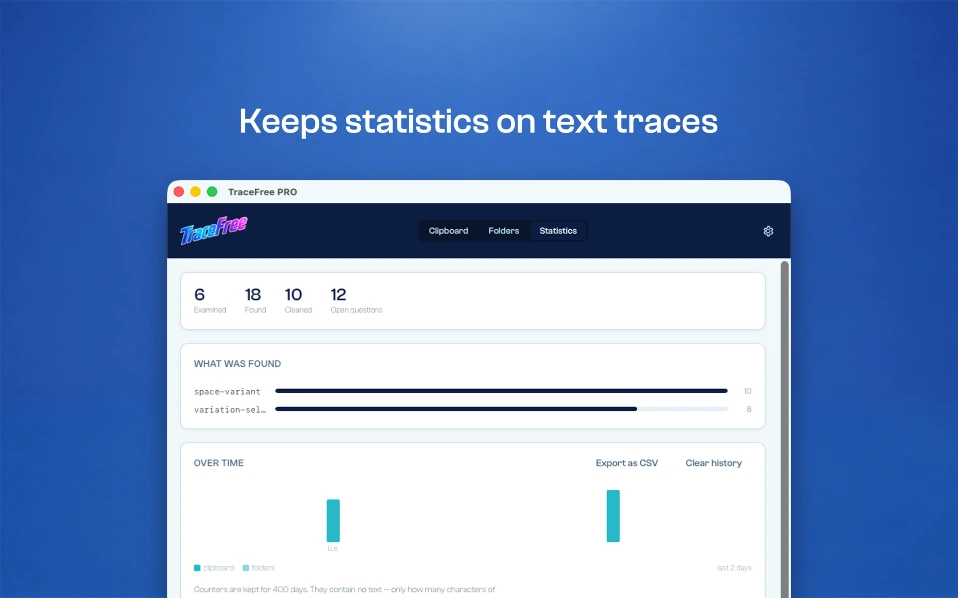
2 · Observe
TraceFree detects and counts findings without changing anything.
3 · Ask
TraceFree shows the detected traces and waits for your decision. The affected locations are shown in a before-and-after comparison.
4 · Automatic
TraceFree applies your configured rules automatically without asking. The operating modes can be configured independently for the clipboard and folders.

Free or PRO
Full detection – even in the free version
The free version fully checks the clipboard. It uses the same detection as TraceFree PRO and can clean detected traces. There is no reduced detection.
Whatever a purchased version can find, the free version can find too.
PRO unlocks additional features
Automatic mode
Monitoring of selected folders
Custom rules for individual characters
One-time purchase – no subscription.
TraceFree |
PRO |
Free |
|---|---|---|
| Supported UI languages |
20 |
20 |
| Works offline |
100 % |
100 % |
| Clipboard monitoring |
Unlimited |
Unlimited |
| Clipboard clean-ups |
Unlimited |
10 |
| Folder clean-ups |
Unlimited |
– |
| Automatic mode |
Yes | – |
| Custom character rules |
Yes | – |
| One-time payment* |
€7,99 (or equivalent in your local currency) |
Free |
* Simply upgrade TraceFree from Free to PRO via in-app purchase.

Safe file handling
When folder monitoring is enabled, TraceFree processes text files using the same rules as text from the clipboard. Backups are enabled by default. Files are written atomically: an interruption will never leave a partially written file. Files that cannot be read as UTF-8 are reported and left unchanged.
TraceFree never guesses.
Existing files are only processed when explicitly instructed to do so.

Your text stays on your computer
All processing takes place locally. TraceFree requires no cloud upload. There is no account, no sign-in, no advertising, and no telemetry. Your text never leaves your computer because TraceFree has no function that would require it to.

What TraceFree cannot do
TraceFree removes characters – not the wording of a text. Statistical watermarks embedded in the wording of a language model are not removed by character-level cleaning. The same applies to watermarks in images.
TraceFree cleans up characters, not wording – and promises nothing else.

Who is TraceFree for?
Editors and Content Creators
For anyone who copies, edits, and reuses text from different sources.
Translators and Lectors
For texts transferred between applications and systems.
Developers
When invisible characters can affect configuration files, comparisons, or data processing.
For anyone who wants to know what is really inside a text.

Built for digital text worldwide
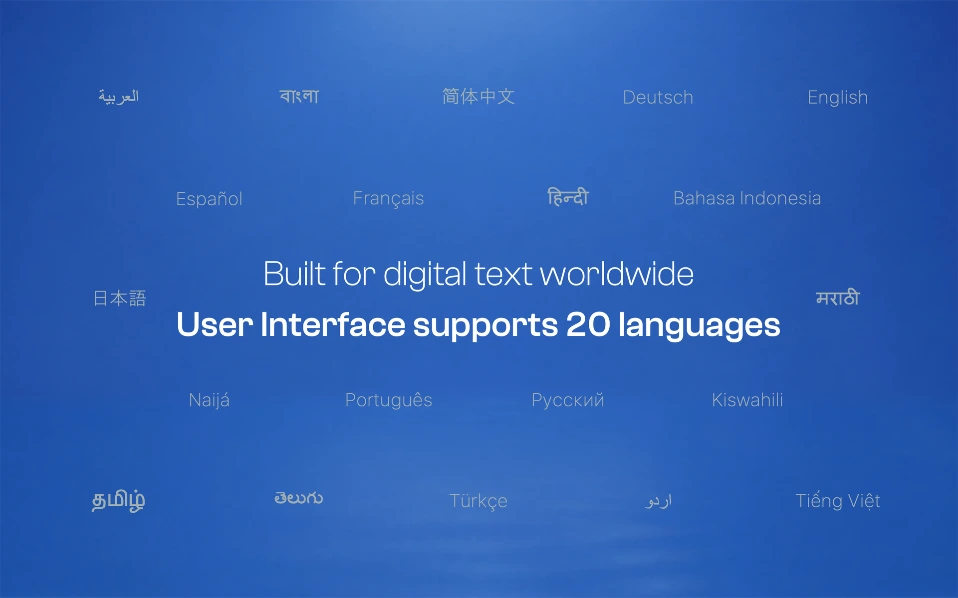
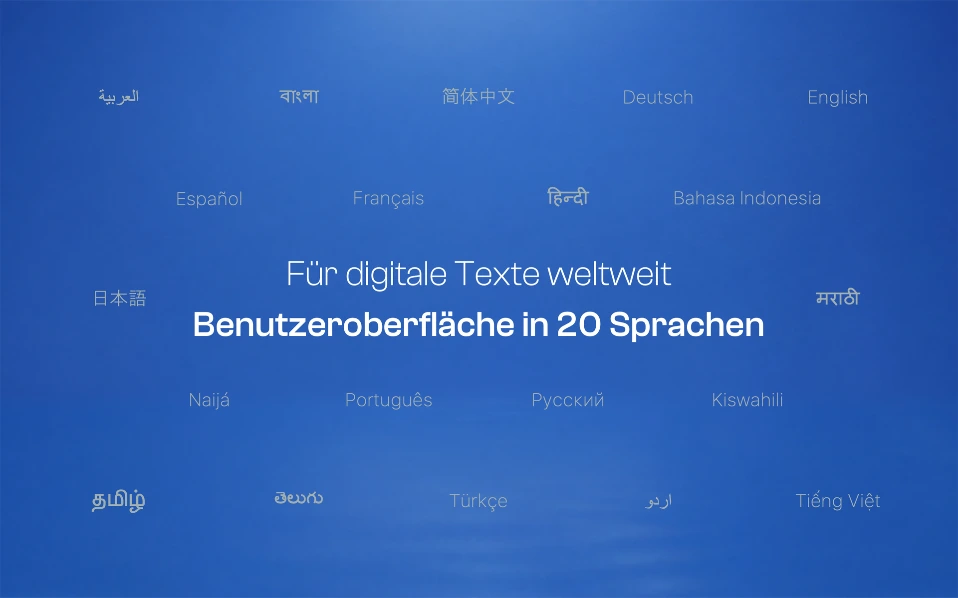
The TraceFree user interface supports 20 languages – including the world’s most widely spoken languages.
Designed for people working with digital text around the world – in their language, on their computer.

Available on the official App Stores
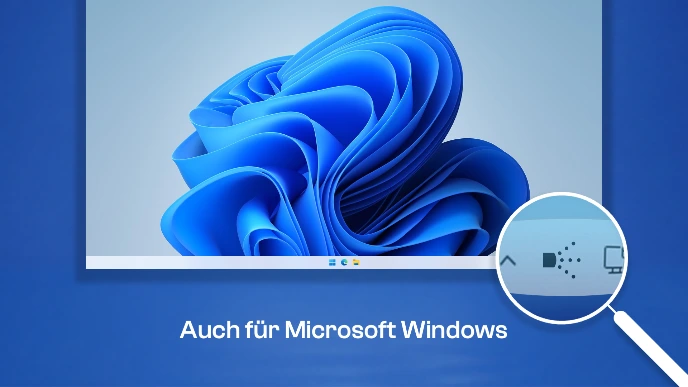
For modern MacOS and Windows 64-bit
COMING SOON: TraceFree
from Microsoft
Download TraceFree
on the Mac App Store